





Description
Download Total Video Converter – video converter, convert video, convert video to mp4, convert video to avi, convert video to flv, convert video to mkv, convert video to mov, convert video to m4v, convert video to wmv, convert video to webm, video cutter, video editor, video trimming, fast video conversion, free video converter, easy video conversion, online video converter, desktop video converter, video format converter, video to audio converter
Overview
Total Video Converter is a desktop multimedia application designed to simplify the process of converting video files across a wide range of formats. The software enables users to transform videos from one format to another with minimal effort, making it ideal for individuals who frequently manage media files across different devices or platforms. It supports a broad spectrum of input and output formats, including AVI, ASF, FLV, DIVX, M4V, MJPEG, MKV, MOV, OGG, OGV, and more, ensuring compatibility with most playback systems and media players.
The application is tailored for both casual users and professionals who require a reliable, no-frills solution for video conversion. Its core purpose is to eliminate the complexity often associated with media conversion tools by offering an intuitive interface and automated workflows. The software automatically scans the user’s device to display available videos, allowing direct selection without the need to navigate external folders or copy files manually.
Real-world usage scenarios include preparing videos for mobile playback, optimizing content for social media platforms, or archiving media in a universally supported format. The tool also supports batch processing, enabling users to convert multiple files simultaneously. While the developer did not provide additional details about its development background, the software’s focus on speed, simplicity, and broad format support suggests a practical approach to everyday media management.
Key Features & Capabilities
- Multi-format video conversion – Supports conversion from and to a wide range of video formats, including MP4, AVI, FLV, MKV, MOV, M4V, WMV, WEBM, and more, ensuring compatibility with various devices and platforms.
- Video cutting and trimming – Allows users to select specific segments of a video for conversion, enabling efficient editing before final output.
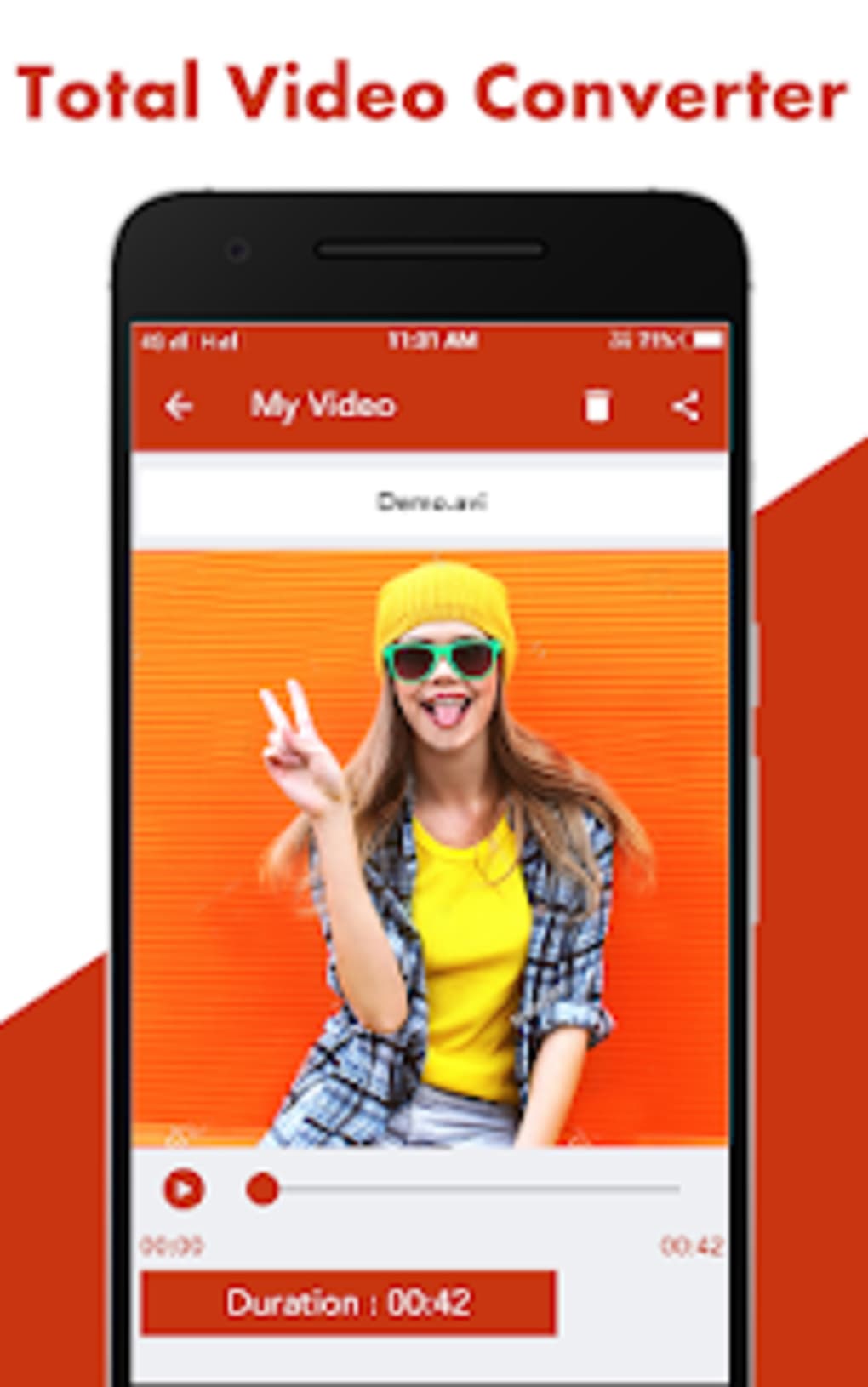
- Preview functionality – Offers a built-in playback feature to review converted videos and verify changes made during trimming or format conversion.
- Batch processing – Enables multiple video files to be converted simultaneously, improving workflow efficiency for users managing large media libraries.
- Audio extraction and conversion – Supports conversion of video files to audio formats, allowing users to extract soundtracks or create music files from video content.
- Direct social media sharing – Provides integration with popular platforms like Facebook, Twitter, and Instagram, allowing users to upload converted videos directly from the app.
- Automatic file storage – Saves converted videos to the device’s SD card by default, reducing manual file management.
These capabilities make Total Video Converter a versatile tool for users who need to adapt media content for different environments. For example, a user preparing a presentation can convert a high-resolution video to a smaller MP4 file for smoother playback, while a content creator can trim and convert clips for quick social media uploads. The integration of editing features like trimming and preview enhances its utility beyond simple conversion.
User Interface, Workflow & Performance
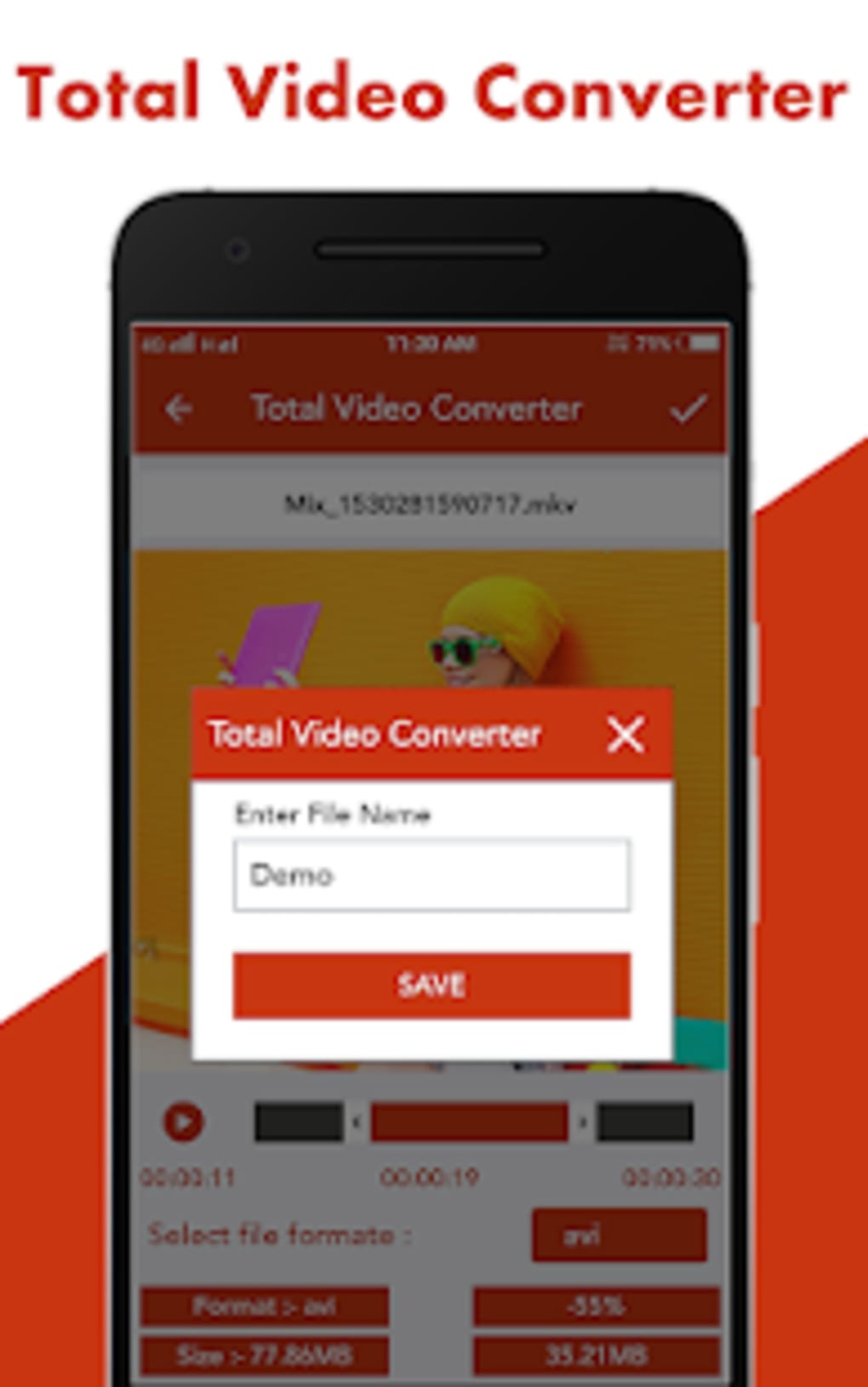
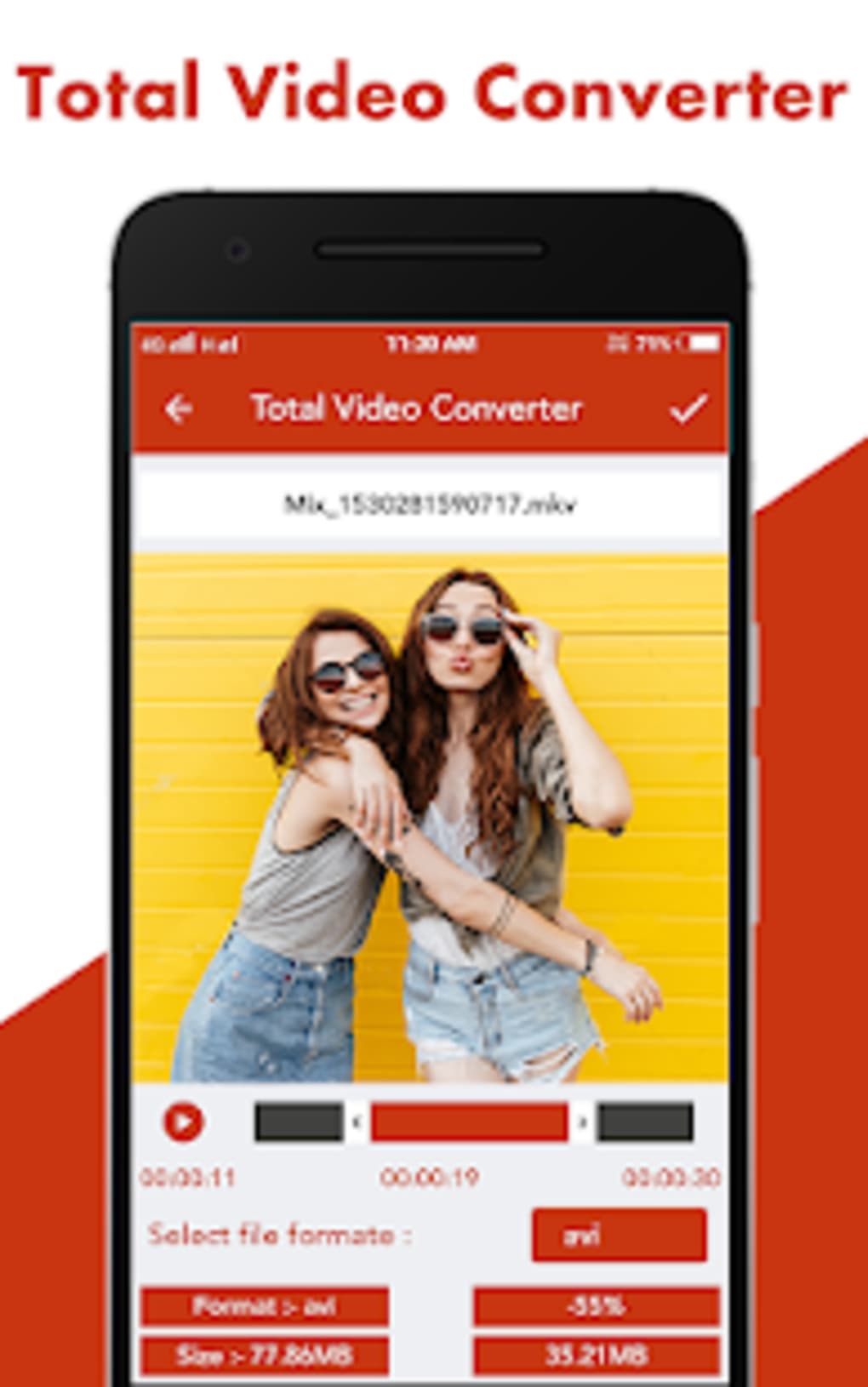
The user interface of Total Video Converter is described as simple and straightforward, with a clean layout that prioritizes accessibility for users of all experience levels. Upon launch, the application displays a list of available video files from the device, streamlining the selection process without requiring manual file browsing. Navigation is intuitive, with clearly labeled options such as format selection, conversion initiation, and playback controls.
Workflow efficiency is enhanced by the ability to choose a video, select an output format, and start conversion with minimal steps. The conversion process is reported to be fast, completing in minutes depending on file size and system performance. The app includes a preview screen that allows users to verify trimming edits before finalizing the conversion.
Performance observations are based on general software behavior patterns. The developer did not specify resource usage details, so exact CPU or RAM consumption is unknown. Stability and background processing behavior were not detailed. However, the use of a background FFmpeg library suggests efficient handling of media encoding tasks. The software operates as a desktop application, meaning it runs locally without requiring an internet connection for core functions.
Compatibility & System Requirements
Total Video Converter is available for both Windows and Mac operating systems, supporting a broad range of desktop environments. The current version is 1.2.1, with a file size of 45.6 MB, indicating a lightweight installation. This size suggests minimal disk space usage, making it suitable for devices with limited storage.
Exact system requirements were not listed by the developer. Compatibility information is limited to the operating systems mentioned. The software is designed to run on desktop platforms and does not appear to require specialized hardware. The developer did not provide additional details about processor speed, RAM, or graphics capabilities.
Given the application’s reliance on FFmpeg for encoding, it likely supports standard system configurations. However, users should ensure their system meets baseline requirements for running desktop applications. No specific hardware dependencies were disclosed.
Pros and Cons
Pros
- Supports a wide range of video and audio formats for conversion
- Simple, user-friendly interface suitable for beginners
- Includes video trimming and preview features
- Enables batch conversion for multiple files
- Free to download and use with no cost barriers
- Direct sharing to social media platforms
- Automatic saving of converted files to SD card
Cons
- Exact system requirements were not specified
- No information on performance under heavy workloads
- Limited details on update frequency or long-term support
- Resource usage (CPU/RAM) not disclosed
- Automatic file storage location may not be customizable
FAQ Section
Is Total Video Converter compatible with Windows and Mac?
Yes, the software is designed to run on both Windows and Mac operating systems, as stated in the official release details.
Is the software free to use?
Yes, Total Video Converter is available at no cost. The price field is listed as “Free” in the provided information.
Can I convert videos to MP4, AVI, MKV, and other formats?
Yes, the software supports conversion to and from a wide variety of video formats, including MP4, AVI, MKV, MOV, M4V, FLV, WMV, and WEBM.
Does the software require an internet connection?
The core conversion functions operate offline. However, features like social media sharing may require an active internet connection.
Can I trim or cut videos before converting them?
Yes, Total Video Converter includes a video cutter function that allows users to select specific segments for conversion, with a preview feature to verify edits.
Final Thoughts + CTA
Total Video Converter stands out as a practical, no-cost solution for users seeking fast and easy video conversion without the complexity of professional editing tools. Its support for multiple formats, batch processing, and built-in trimming capabilities make it a valuable asset for both casual users and professionals managing media files on the go. The clean interface and straightforward workflow ensure minimal learning curve, while the ability to share directly to social platforms adds convenience.
While detailed technical specifications and performance data are not available, the software’s lightweight footprint and broad format support suggest reliable performance on standard desktop systems. For users who need a dependable, free desktop video converter with basic editing features, Total Video Converter delivers on its core promises.
Download Total Video Converter now
Guides & Tutorials for Total Video Converter
How to install Total Video Converter
- Click the Preview / Download button above.
- Once redirected, accept the terms and click Install.
- Wait for the Total Video Converter download to finish on your device.
How to use Total Video Converter
This software is primarily used for its core features described above. Open the app after installation to explore its capabilities.
User Reviews for Total Video Converter 0
No reviews found





